
Guide · Sports
Billiards Controls (Desktop)
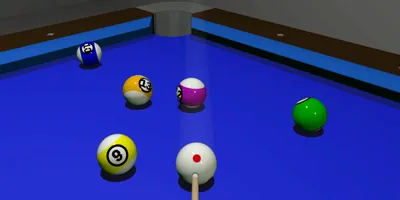
Billiards
Play nowAdvertisement
Billiards uses the mouse for most things, with a few keyboard keys for aiming. The game also has its own help panel that lists every control.
Desktop controls
Drag the cue ball to move it, then click Place Ball. Turn the cue by holding the Left or Right arrow key, or by dragging sideways across the table. Click on the power bar at the bottom to set shot strength, then click the Hit button to shoot. The help panel also lists double click to hit, scroll for power and Space held for power, which were not confirmed in testing.
Touch play
Not tested on touch screens.
Tips
- The camera button in the bottom right corner switches between a view behind the cue ball, a raised view of the whole table and a top-down view.
- The three-line button above it opens a small column of buttons, including an info button that shows the Play and Controls panel.
- The help panel lists Up and Down arrows for topspin and backspin, and Shift with Left or Right for side spin. These were not tried.
- The help panel also lists Ctrl with the arrow keys for fine aim, M for masse angle, O for camera view, F for full screen and H for help.
- A quick press of Space did not shoot in testing. The help panel says to hold Space to build power.
Sponsored
More about Billiards
Play something similar
See all







Advertisement