Guide · Adventure
Astro Digger - Frequently Asked Questions
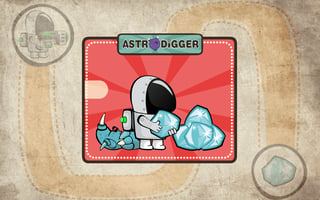
How do you dig in Astro Digger?
Press the arrow keys. Down digs the block below the astronaut and Right digs sideways. It is usually one block per press, and holding a key doesn't keep digging. The Left arrow key and the on-screen arrow icons were not tested.
What is the goal in Astro Digger?
The Level 1 hint card says to collect gold and minerals. On the first level the targets are three blue gems sitting in a row near the bottom of the screen.
What does the teleport button do?
The hint card says to press the teleport button if you get stuck. It is the round icon with stacked rings in the top right corner, with a counter under it.
Is there a time limit on the first level?
The Time counter at the top counts up from 0:00 rather than down. In a first session it passed one and a half minutes on Level 1 without the level ending.
Where does the game start?
Clicking the red PLAY button on the title screen starts Level 1, which is where this guide is based.
What are the icons on the left side of the screen?
A column of button icons is shown on the left side. They were not tested in a first session, so their exact functions were not confirmed.