
Guide · Adventure
Astro Digger Controls (Desktop)
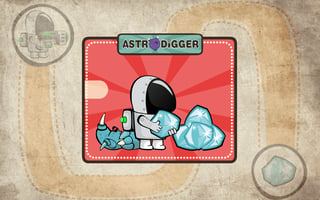
Astro Digger
Play nowAdvertisement
Astro Digger was played with the keyboard arrow keys in testing. Arrow icons and buttons are also shown on the game screen.
Desktop controls
Press the Down arrow key to dig the block below the astronaut and the Right arrow key to dig sideways. It is usually one block per press, and holding a key doesn't keep digging. The Left arrow key was not tested. Large faint left, right and down arrow icons are shown on screen, and a column of buttons is shown on the left side, but these were not tested.
Touch play
Not tested on touch screens.
Tips
- Tap the keys one at a time. It is usually one block per press, and holding a key doesn't keep digging.
- Watch the tunnel after each press, since a press did not always move the astronaut a full block in testing.
- The round button with stacked rings in the top right is the teleport button, meant for when you get stuck.
- The left side of the screen shows a column of icons. They were not tested, so their exact functions were not confirmed.
Sponsored
More about Astro Digger
Play something similar
See all



Advertisement