
Guide · Skill
Books Tower Controls (Desktop)
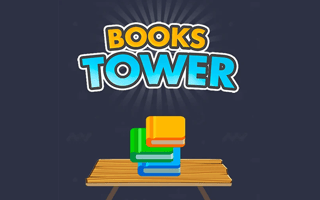
Books Tower
Play nowAdvertisement
Books Tower needs only one action. Every drop is a single press of the left mouse button, and the menus use the same button.
Desktop controls
Press the left mouse button anywhere on the game to drop the sliding book. A short, firm press worked best in testing. The round play button starts a run, and the other round buttons on the title and results screens are clicked the same way. No keyboard keys were needed.
Touch play
Not tested on touch screens.
Tips
- The large blue play button starts a new run from the title screen or the results screen.
- The orange speaker button at the top of the title screen is the sound control.
- The orange share button and the pink trophy button sit on either side of the play button.
- The pink house button at the top of the results screen goes back to the title screen.
Sponsored
More about Books Tower
Play something similar
See all



Advertisement