Guide · Adventure
Angry Sharks - Frequently Asked Questions
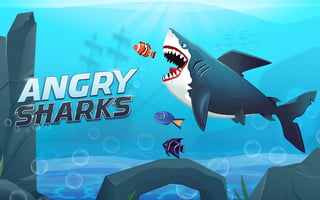
How do you control the shark in Angry Sharks?
On desktop you only use the mouse. The shark swims toward the cursor and turns to face it, so you steer by moving the pointer around the screen.
What is the goal of each level in Angry Sharks?
Eat fish to grow. The Instructions screen says you pass the level once your shark grows to the desired size, and a bar with a percentage in the top left shows how close you are.
What can hurt your shark?
The Instructions screen lists bigger fish, spiky fish, barrels, mines, spears and other obstacles. On the first level the main dangers seen were spiky pufferfish and piles of yellow radiation barrels on the seabed.
What does the heart bar in the top left mean?
It is your shark's health. It starts at 100 and drops when the shark gets hurt. In testing it fell to 20 within a short stretch of careless swimming, so it is worth watching closely.
Why is the screen dim with the word MOVE on it?
That is the start of the level. A mouse pointer hint and the word MOVE appear over a darkened screen, and one click inside the game starts the level.
Can you choose a different shark?
The title screen shows five shark slots on the right. In a first session only the top one had a full picture and the other four were faint outlines, so the first shark is the one to start with.
Who made Angry Sharks?
The Instructions screen shows the Inlogic Games logo and lists the game as version 1.0.1.