
Guide · Stickman
Stickman That One Level Controls (Desktop)
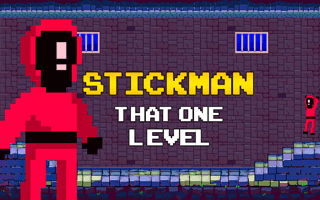
Stickman That One Level
Play nowAdvertisement
Stickman That One Level is played with the keyboard. The game prints the controls on screen in stage 1, and these are the keys I used.
Desktop controls
Move left and right with A and D or the left and right arrow keys. Jump with W or Space. From stage 2 the game tells you to tap jump twice for a double jump. There is a pause button in the top right corner of the screen.
Touch play
Not tested on touch screens.
Tips
- Keep one hand on the arrow keys or A and D and the other on Space so you can move and jump at the same time.
- Let go of the move key just before you land on a small platform, since the character keeps moving quickly while the key is held.
- For the double jump, press jump a second time while still in the air, as the stage 2 hint describes.
- Firm presses of Space were more reliable for me than very quick taps.
Sponsored
More about Stickman That One Level
Play something similar
See all


Advertisement