
Guide · Adventure
Battalion Commander 2 Controls (Desktop)

Battalion Commander 2
Play nowAdvertisement
Battalion Commander 2 is played with the mouse. Here is what each part of the screen did in my runs.
Desktop controls
Move the mouse and your soldier follows the pointer up and across the path. Shooting happens on its own, so there is no fire button to hold. Click START on the title screen and PLAY on the menu to begin a run, and click the pause button in the top left corner to stop. Music and sound buttons sit in the top right of the title and menu screens.
Touch play
Not tested on touch screens.
Tips
- Small, steady mouse movements keep your soldier easier to control than big sweeps.
- Keep the pointer slightly ahead of your soldier so he keeps moving up the path.
- The pause button in the top left is the quickest way to stop mid-run.
Sponsored
More about Battalion Commander 2
Play something similar
See all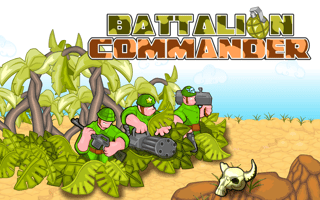

Advertisement